Collect inspiration in Pinterest
Keep using Pinterest for visual discovery, client references, style direction, and moodboard input.
Pinterest for Miro
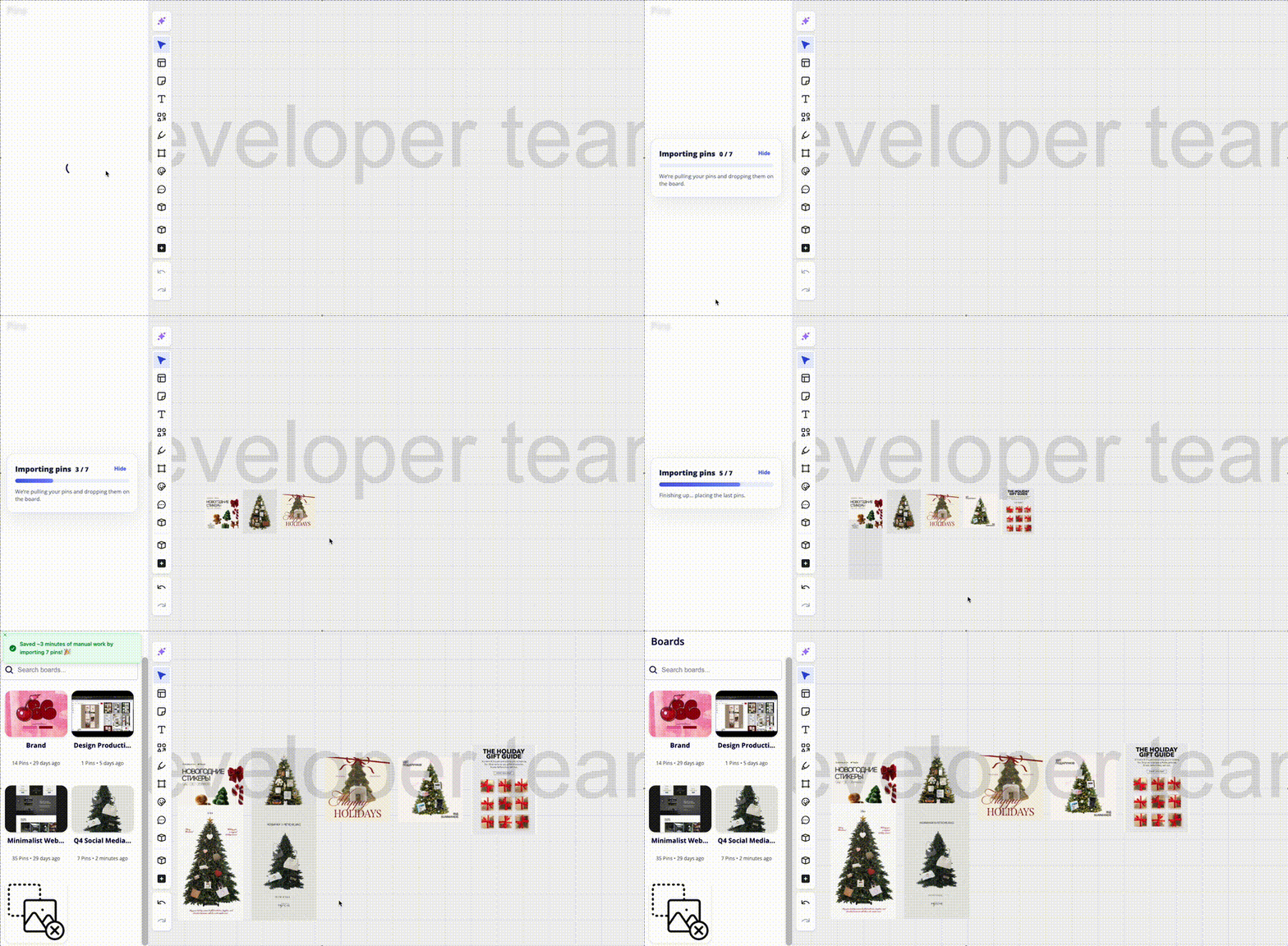
Turn saved Pinterest references into a working Miro moodboard while avoiding screenshots, downloads, uploads, and source-link cleanup.
The workflow gap
Keep using Pinterest for visual discovery, client references, style direction, and moodboard input.
Import the references into a canvas where teams can group, discuss, annotate, and present.
Spend less time moving files and more time choosing the visual direction that should actually ship.
Manual import cost
Use cases
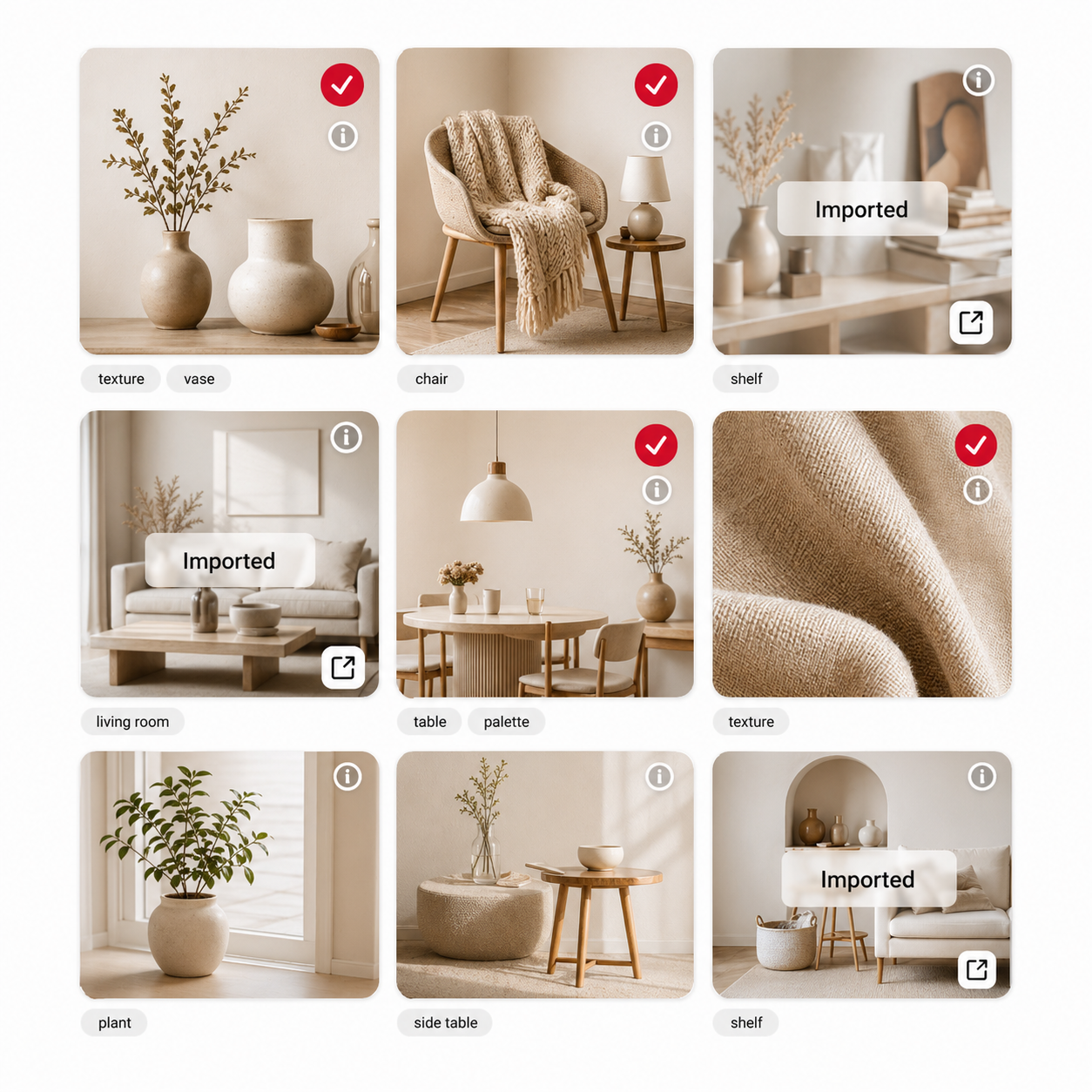
Move selected references into a canvas clients and stakeholders can review without digging through Pinterest boards.
Prepare inspiration zones before a creative workshop, design sprint, brand session, or product direction review.
Keep a shared visual research board in Miro while Pinterest remains the fast capture layer.
Inside Miro
Try the bridge